← Help home
Getting started
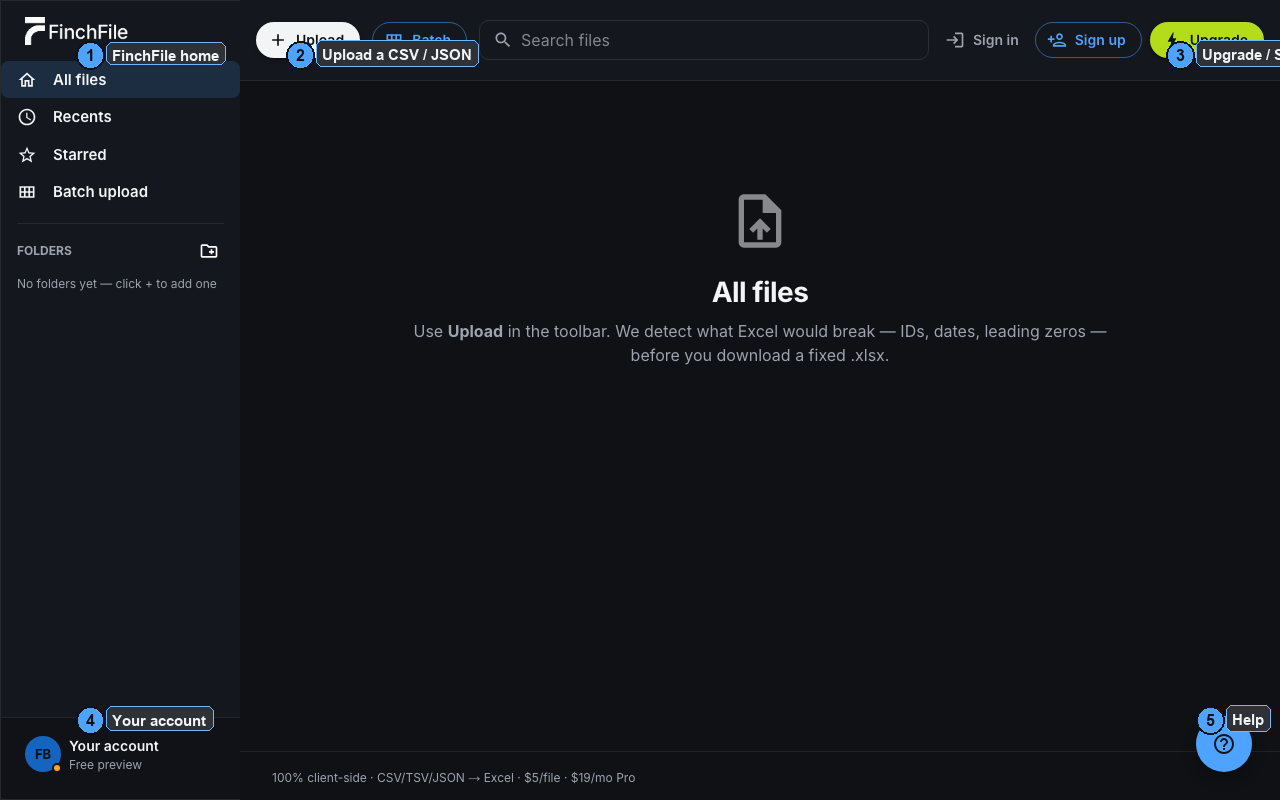 ① Home · ② Upload · ③ Sign in / Upgrade · ④ Account · ⑤ Help
- Open app.finchfile.com and sign in (or sign up).
- Click Upload in the toolbar and choose a CSV, TSV, or JSON file.
- Review the preview — we highlight columns Excel would change.
- Download when ready. Preview is free; download is $5/file or unlimited on Pro.
 Start every fix from + Upload in the top toolbar.
Tips
- Keep the original export — FinchFile does not replace your source file.
- Use Batch upload if you clean exports often (Pro).
- The blue ? button always opens this help hub.